Water that responds to you.
Fish scatter, floating leaves gently move, and tiny ripples spread across the surface. Each creature follows its own rhythm.


liwall · FOR MAC
Now on the Mac App Store
Make a place for your photos, videos and the art you love.

One purchase. No subscription.
For Mac · macOS 14 or later
Photo effects
Try different scenes with your photos, then adjust water, light and typography in the Mac app.
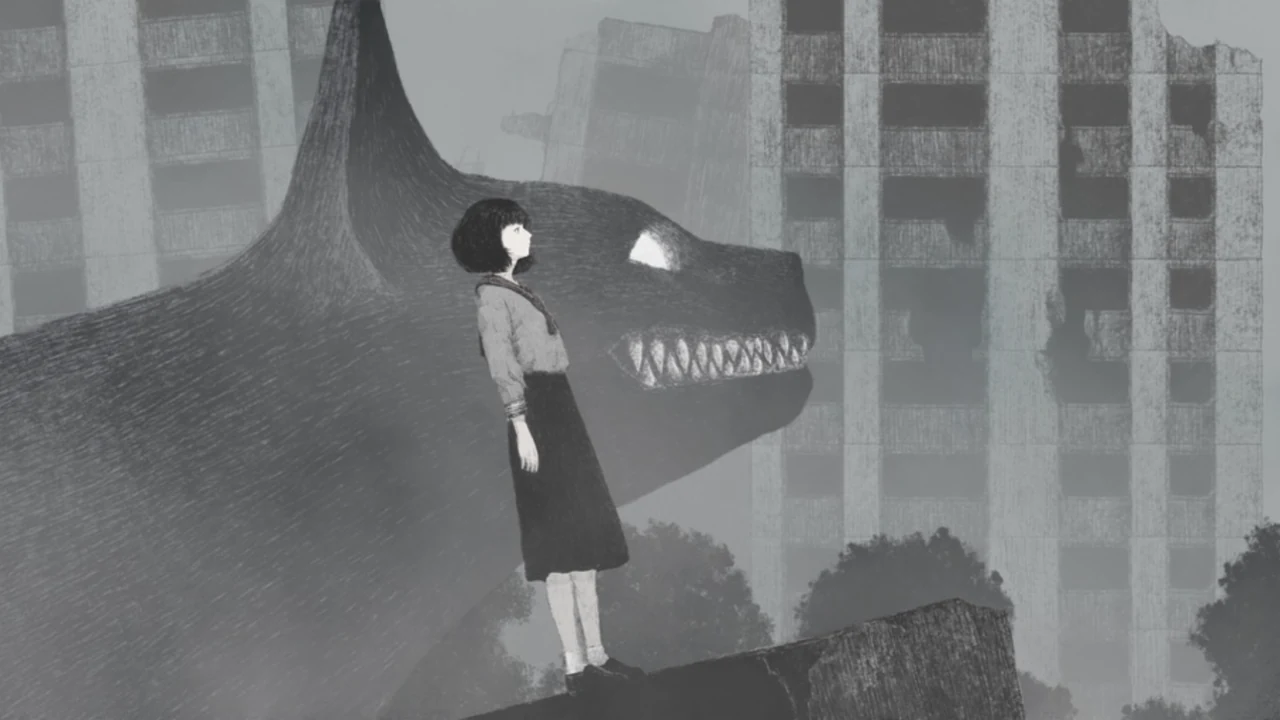
Rain and gentle ripples over Nullwood: A Mirror Forest, shown in the Mac app.
Nullwood: A Mirror Forest, 2025 · SHHAN
Move the light across the photo with your pointer, touch or arrow keys.
On supported photos, place a clock or text behind a recognized subject. Depth depends on the image and placement.
Demonstration: the clock is moved by hand to show the depth effect.
Fog flows differently in front of and behind a recognized subject. Photos without a usable subject keep the full-photo effect.
Native Mac app recordings, alongside an interactive web lighting example. Echo is an optional in-app purchase.
YOUR PERSONAL LIBRARY
A place for your photos and videos. Keep the scenes you love close, without changing the originals.
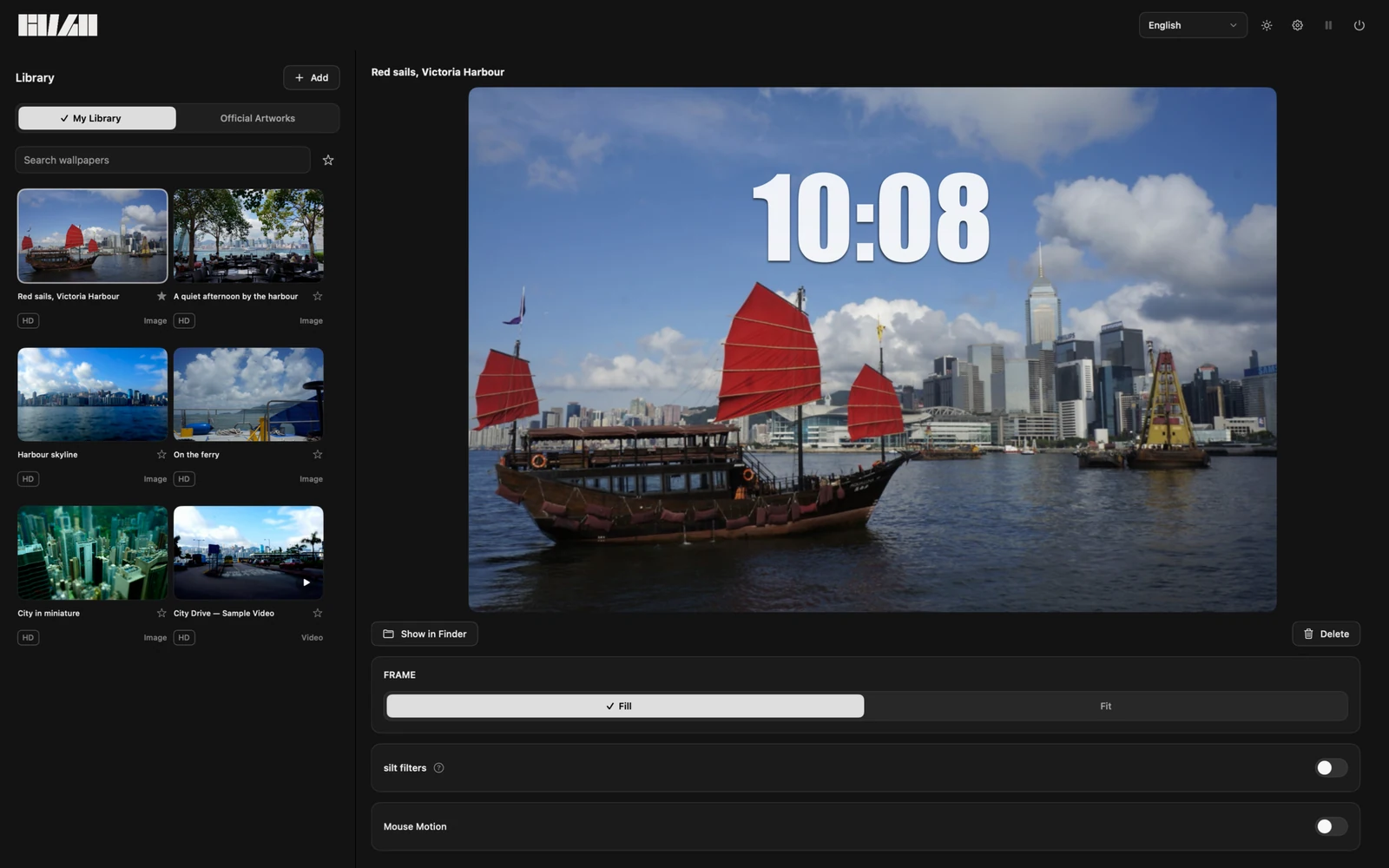
Bring in travel photos, quiet views and favorite clips. Choose Fill or Fit, mark favorites and find your next wallpaper in one place.
Drag photos or videos into My Library to add them.
Your personal library stays on your Mac.
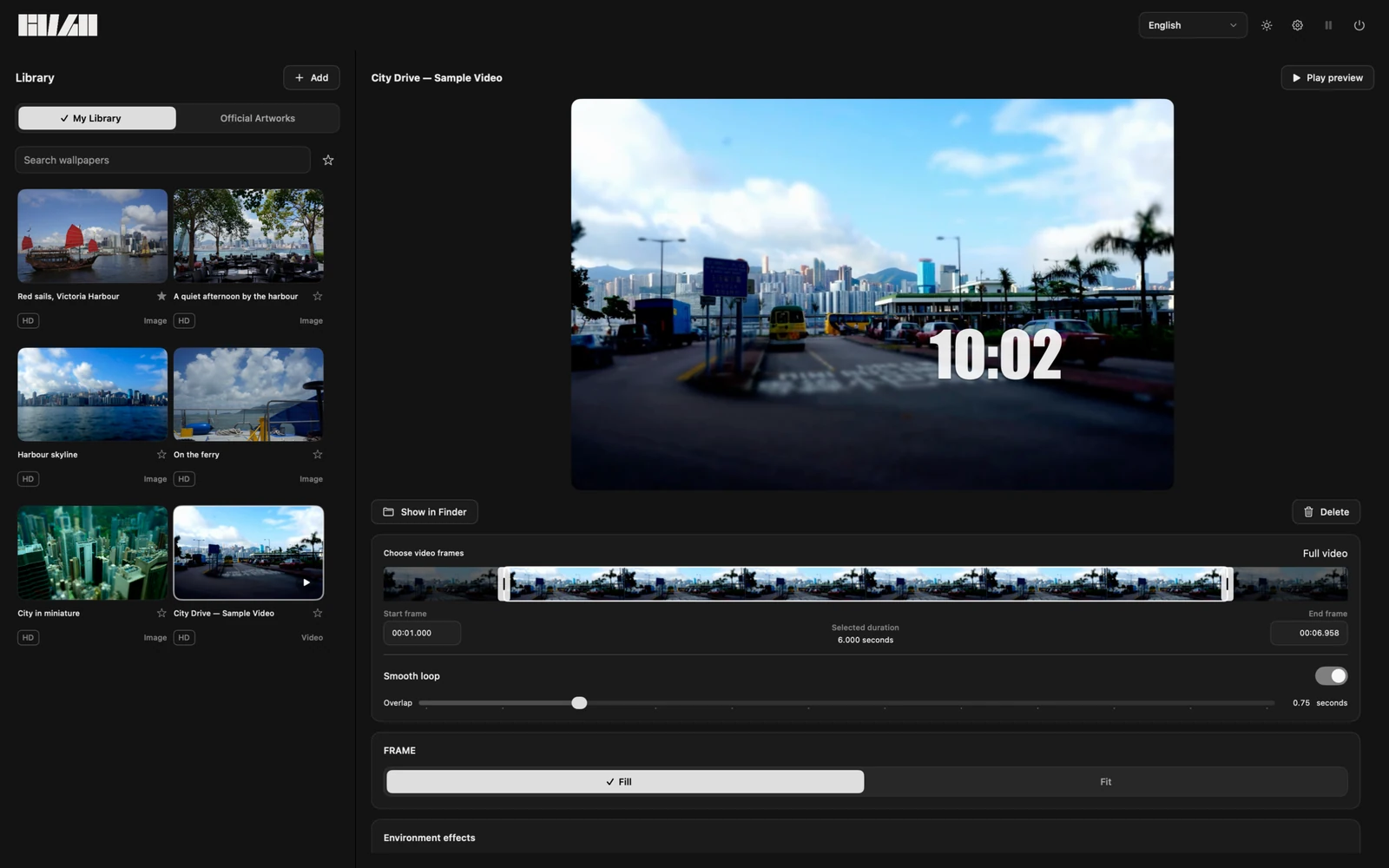
See the video frames as you choose a start and end. Move the selected range and blend the ending into the beginning for a smoother loop.
Keep the wallpaper, effects and overlays together as a preset, ready for next time.
CURATED BY LIWALL
Discover a collection curated by liwall, starting with SHHAN and welcoming more artists over time. Every work keeps its title and artist credit.
Artist enquiries ↗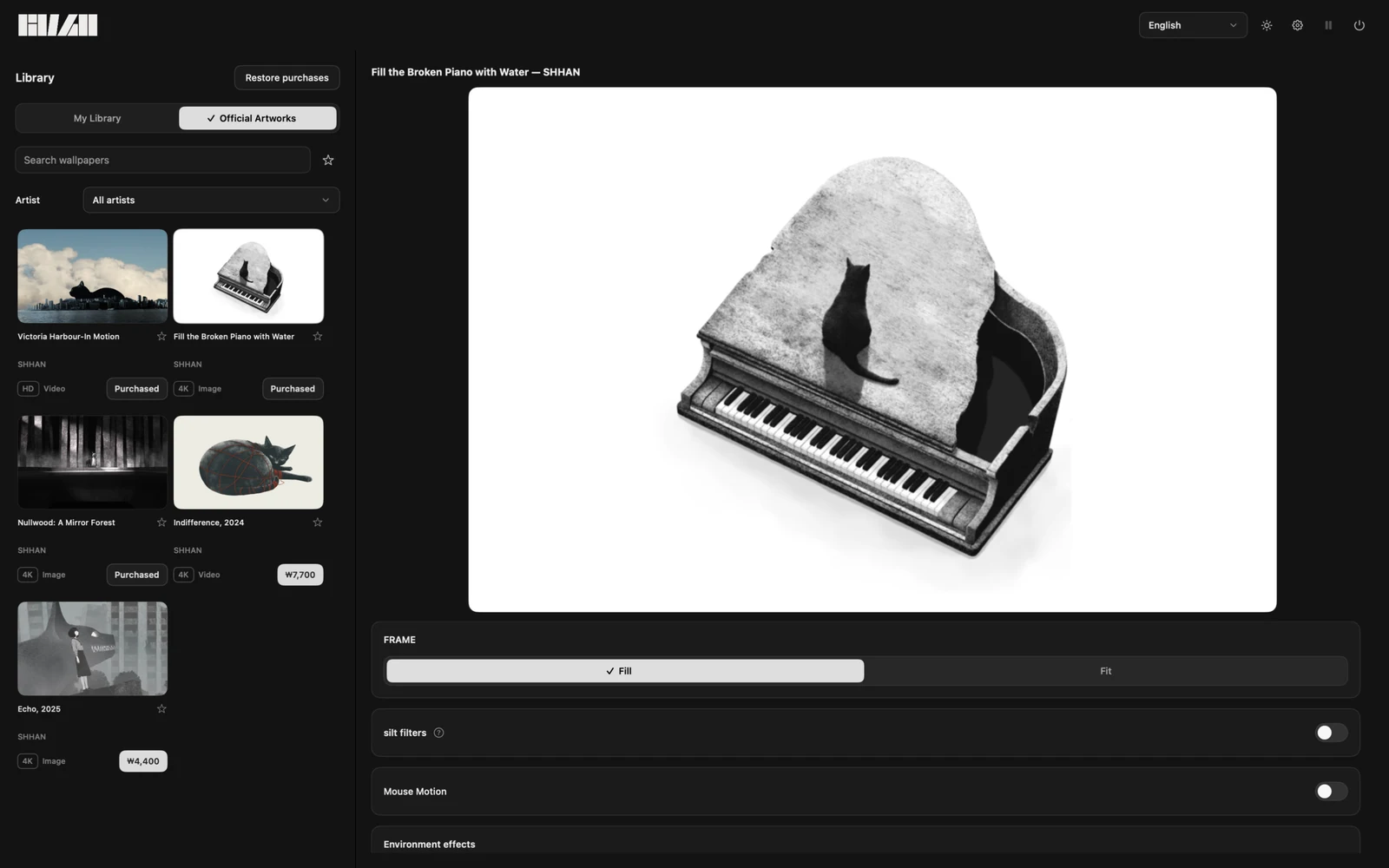
INCLUDED WITH LIWALL
An animated reinterpretation of Victoria Harbour (2021), the first work in Shhan in the City, a six-image series of cities and a giant cat. “It looks like Niki is sitting over there!”
Cover art for the piano single Fill the Broken Piano with Water (2025).
The first concept artwork for SHHAN’s original world, Nullwood. “Where did we come from, and where are we going?”
Three artworks by SHHAN come with the app and work offline. Prepare an included work with Free when needed, then apply it.
OPTIONAL ARTWORKS
A black cat bound by vivid red cords wears an untroubled expression: a visual portrait of how we absorb the many stimuli of modern life with indifference.
Cover art for Echo, the third track of Ten One, And One, a five-track project about stillness, repetition and the resonance of memory. “Can a memory remain even after losing its meaning?”
Additional artworks are optional one-time in-app purchases. US prices are shown; the app displays prices for your region.
NEW ARTWORK
SHHAN · 2026 · ASCII ART
A cat drifts on a floating log in this real-time interactive ASCII artwork, where characters and symbols draw water and life.
Follow Niki, watch the koi, and meet occasional visitors from the deep. Move your pointer to make ripples, or click to feed the fish.
A free official artwork coming in the next update. Not yet available in the current App Store release.
Fish scatter, floating leaves gently move, and tiny ripples spread across the surface. Each creature follows its own rhythm.
Choose a time of day or follow local time automatically. Moonlight and occasional fireflies bring a quieter night.
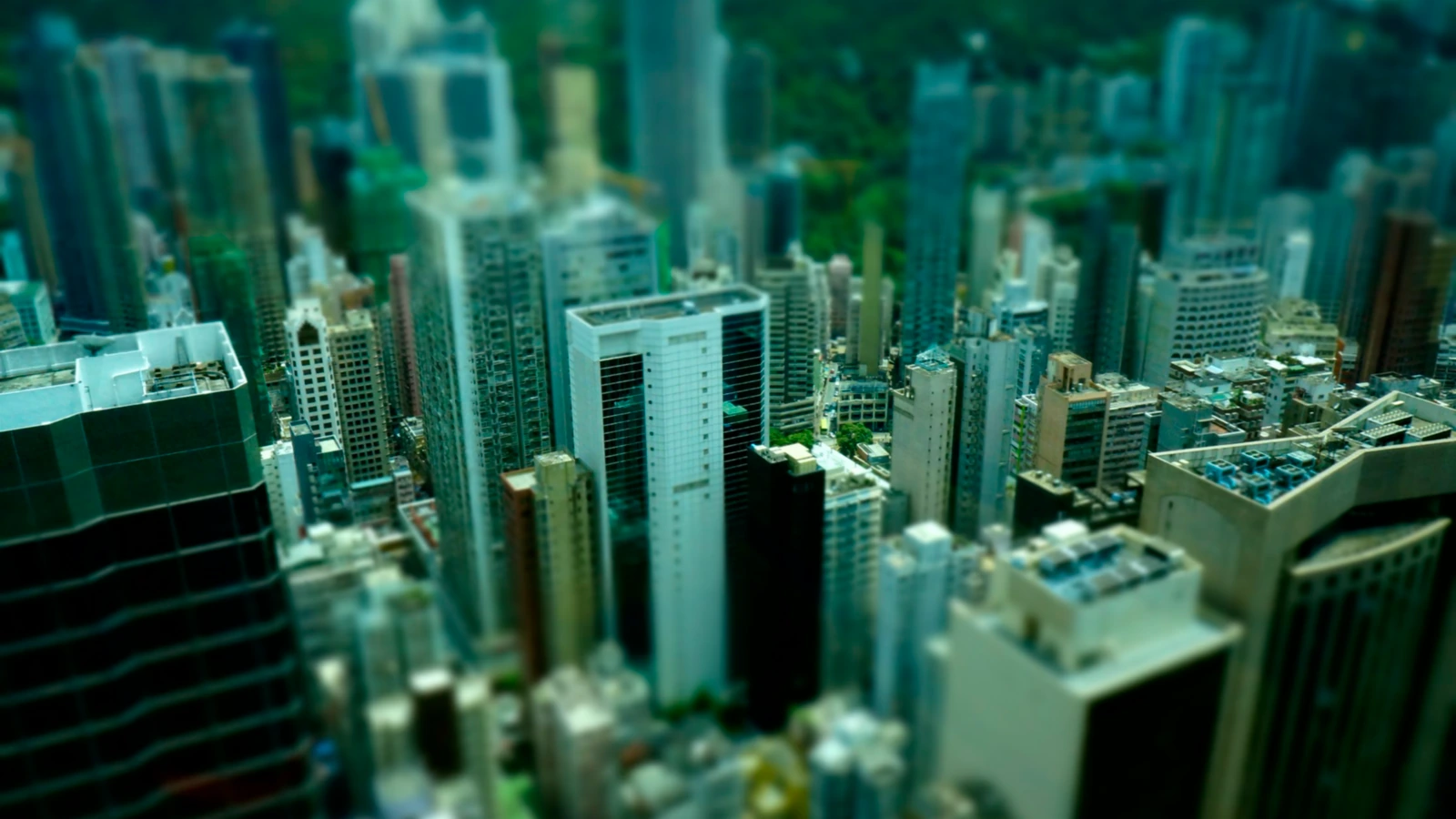
Use the same clock, date and text controls as your photo wallpapers. Add soft mist or a gentle miniature-style focus.
UPDATE NEWS
These features are coming in the next update and are not yet in the current App Store release.
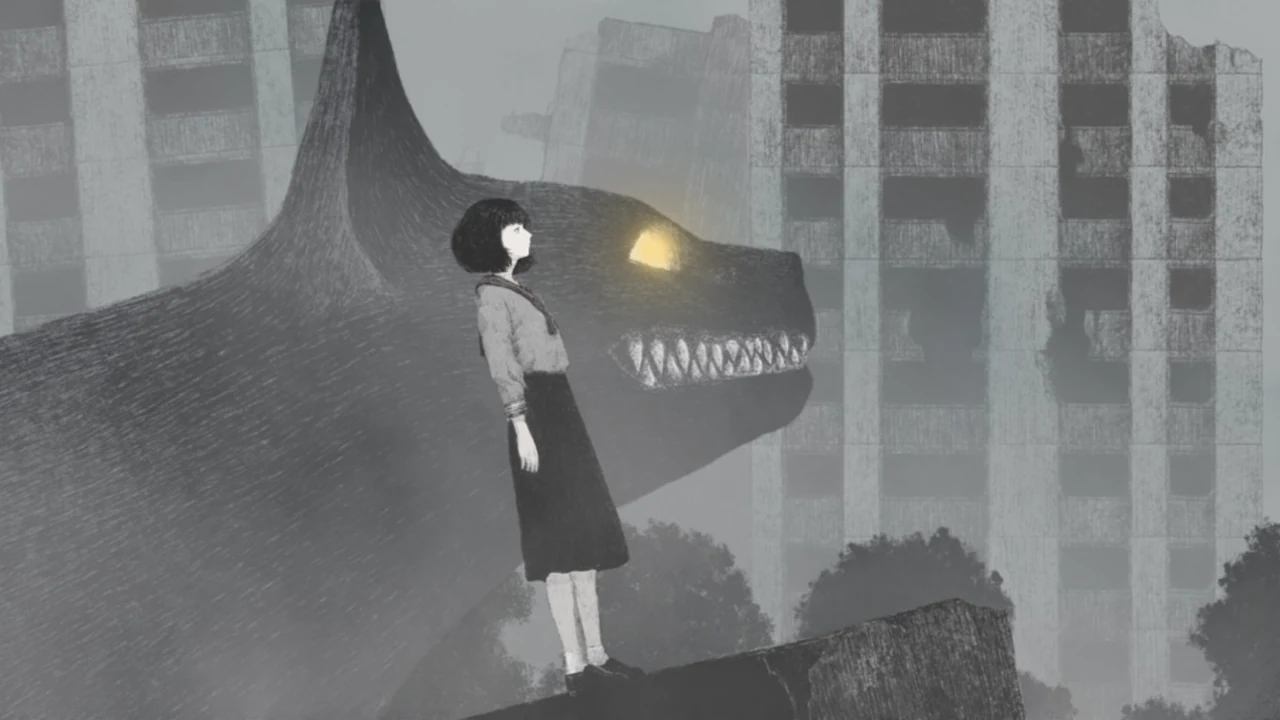
Give an eye a glow, warm a window or create your own small sun. Place lights on photos and videos, then adjust their color, size and strength directly in the preview.
Lights stay where you place them. In a video, they stay fixed on the screen.
Choose a city or your current location to match weather effects to the forecast, with an optional weather display.
Set the mood color separately from rain, snow and other particles. Move the sun rays directly in the preview.
Add photos and videos by dragging them into your library, and save a combination of effects and overlays as a preset.
Fine rain, soft snow, drifting sakura and rising embers. Choose particle colors independently from the overall mood.
Set a shared font, color, opacity and shadow, then position and size each clock, date or text element separately.
Combine placed lights, pointer lighting and sun rays. Keep grain, fog and silt mono as optional finishing touches.
AT HOME ON YOUR MAC
Blend the end of a video into its beginning. Adjust the overlap, or turn Smooth loop off for a video that already loops seamlessly.
Close the library and keep your wallpaper running. Reopen it from the menu bar. Playback pauses for screen lock, display sleep and full-screen apps.
No app account, advertising or subscription. Personal photos, videos and settings stay local.
GOOD TO KNOW
liwall requires macOS 14 or later. It is a Mac app; iPhone, iPad and Windows versions are not currently offered.
One app purchase includes personal wallpapers, effects, overlays and three included official artworks. Additional artworks are optional, separate in-app purchases. Prices vary by region.
Yes. Add JPEG, PNG, HEIC or WebP images and MP4 or MOV videos from My Library. Video playback depends on the codec support in macOS. Imported originals are unchanged.
After downloading the app, your imported media and the three included artworks can be used offline. The Free button prepares an included file locally; it does not charge you or download it from a server.
No. Closing Library keeps the wallpaper running. Use the power button to stop wallpaper, or the menu bar to quit liwall. Video preview play/pause is separate from desktop playback.
Email contact@shhan.net with your Mac model, macOS version, app version and what happened. Hide personal information in any screenshots you send.

Bring liwall to your Mac.
One purchase. No subscription.
For Mac · macOS 14 or later